InvERP's role-based access control gives every staff member exactly the access they need — no more, no less. Every action is logged in a tamper-proof audit trail.
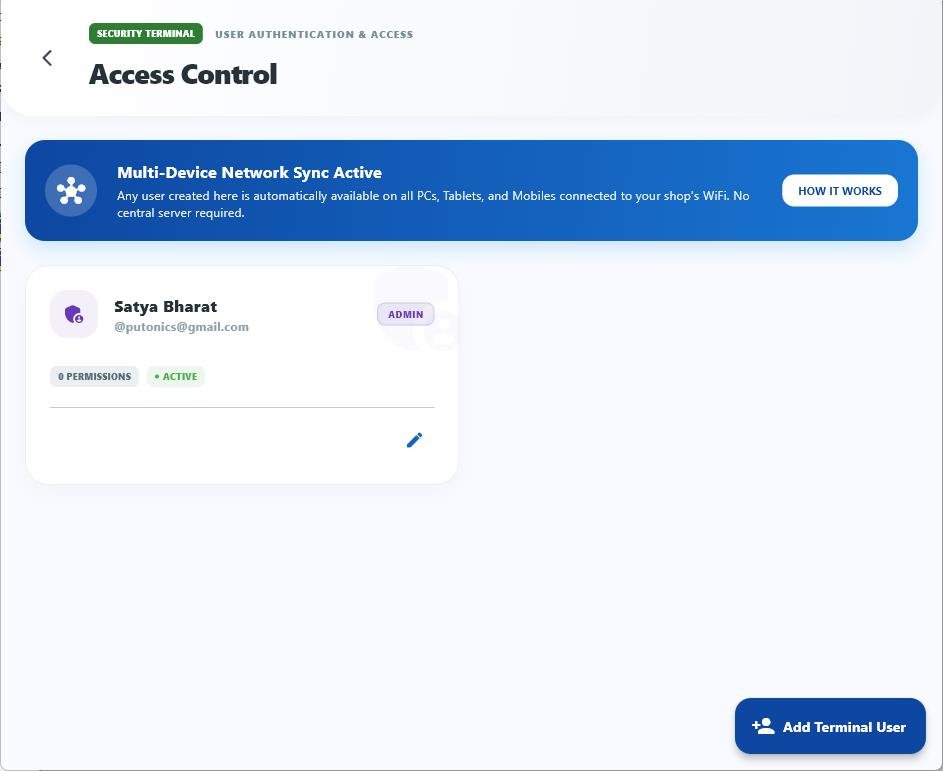
Define roles (Admin, Manager, Cashier, Delivery) and assign granular permissions to control exactly what each role can see and do.
Over 50 individual permission toggles — view, create, edit, delete — per feature module, per role.
Every action by every user is logged with timestamp and device — create, edit, delete, login, sync.
Assign view-only access to reporting or supervisory roles who need visibility but not write access.
Each staff member gets their own secure login with username and password. No shared accounts.
The entire local database is encrypted with AES-256. Data cannot be accessed without the correct credentials.
All API communications use TLS 1.3 with certificate pinning to prevent man-in-the-middle attacks.
System flags suspicious activity such as time manipulation attempts and unauthorized access patterns.
InvERP's access control panel lets you configure exactly what each role can access. From which screens they can view to which actions they can perform — completely customizable.
Set specific permissions for every module in the app. Control whether a role can only view, or can also create, edit, or delete records — for every feature individually.
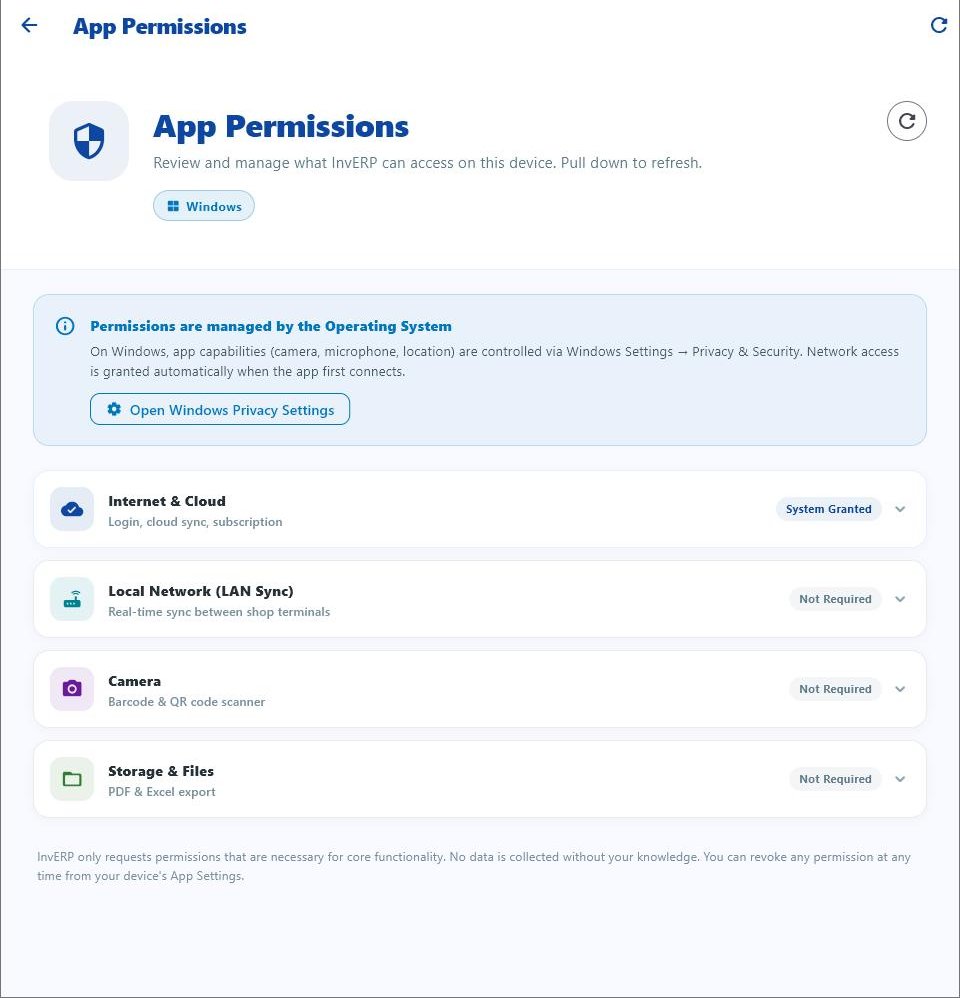
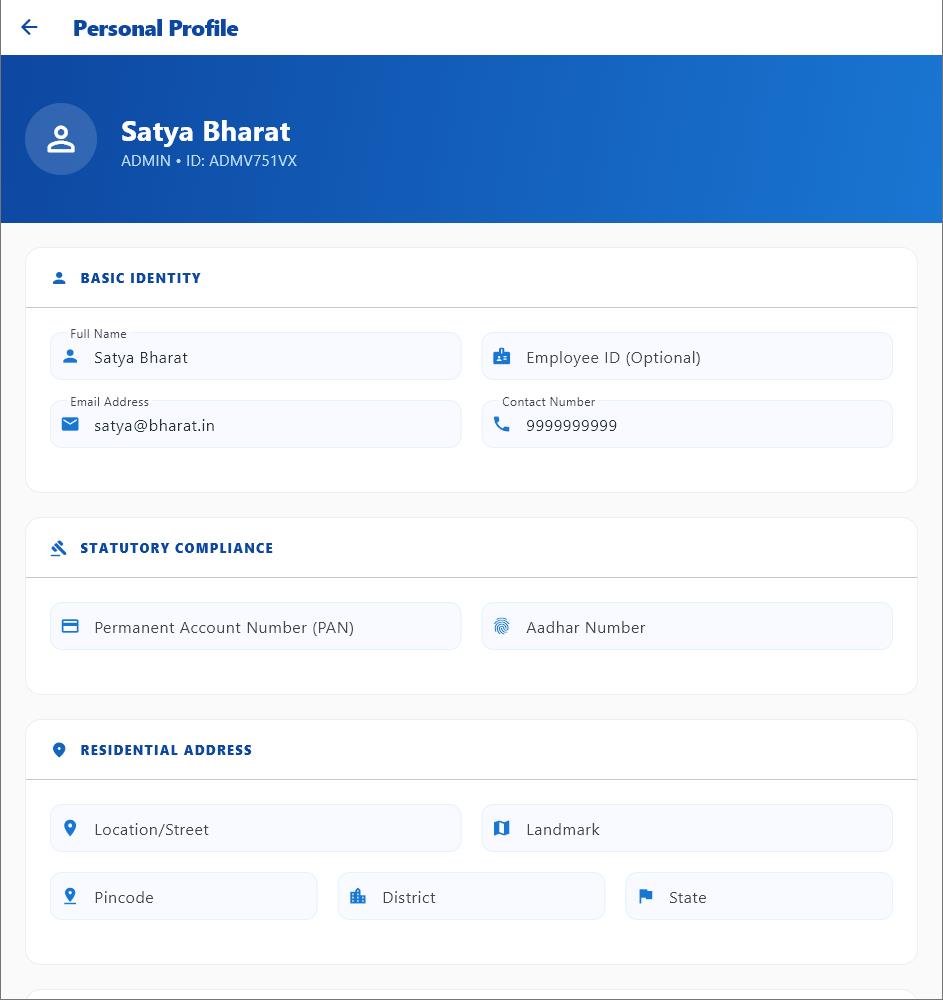
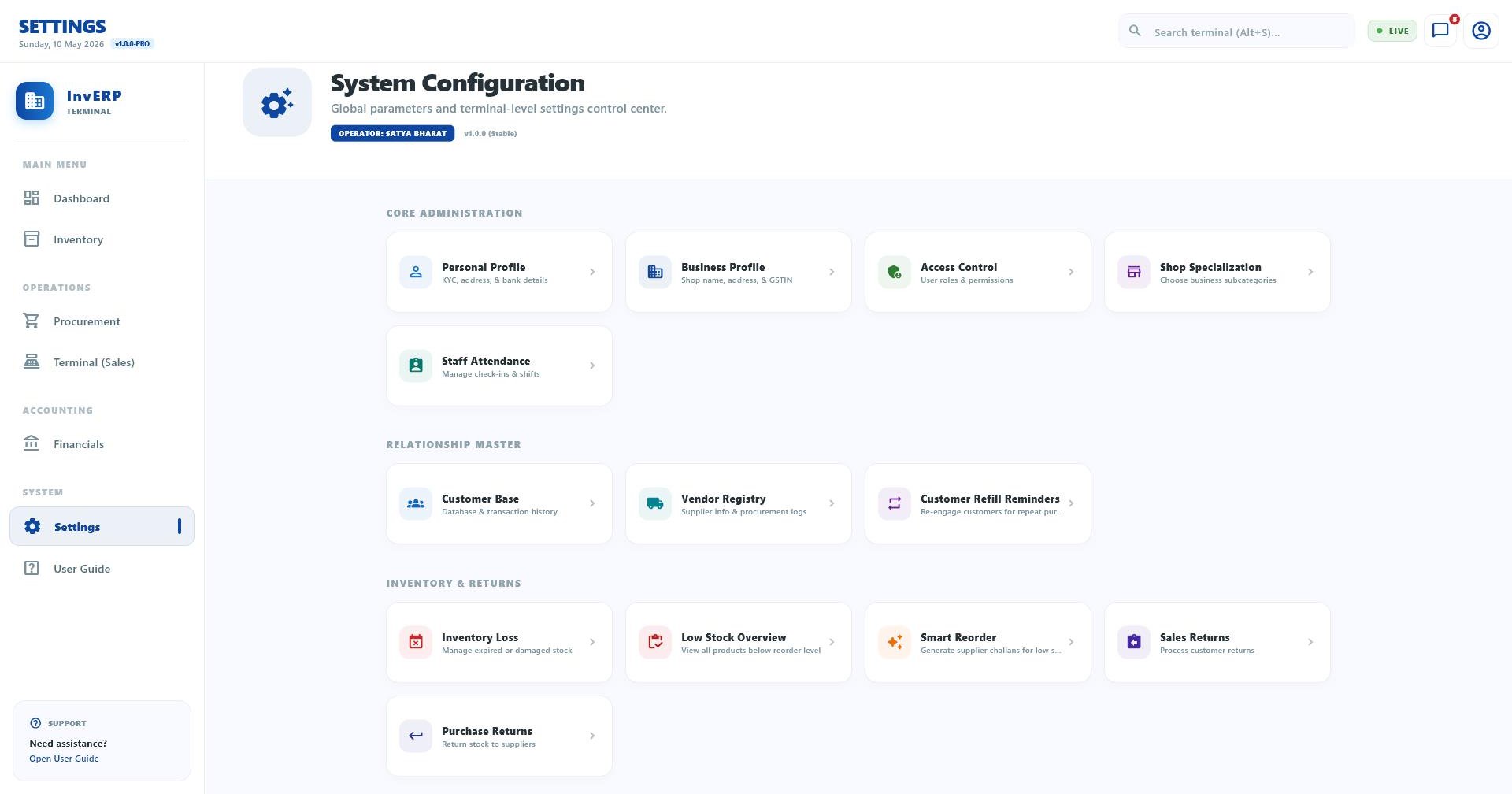
Download InvERP and protect your business data with enterprise-grade security and role-based access.